 Transfert Wi-Fi
Français
Transfert Wi-Fi
Français
Your photos and files between phone and computer, over Wi-Fi.
No cable, no account, and nothing to install on the computer: a web browser is all you need. Your files never go through the Internet.
Get it on Google Play- Free
- No account
- Local network only
- Multi-GB files
How it works
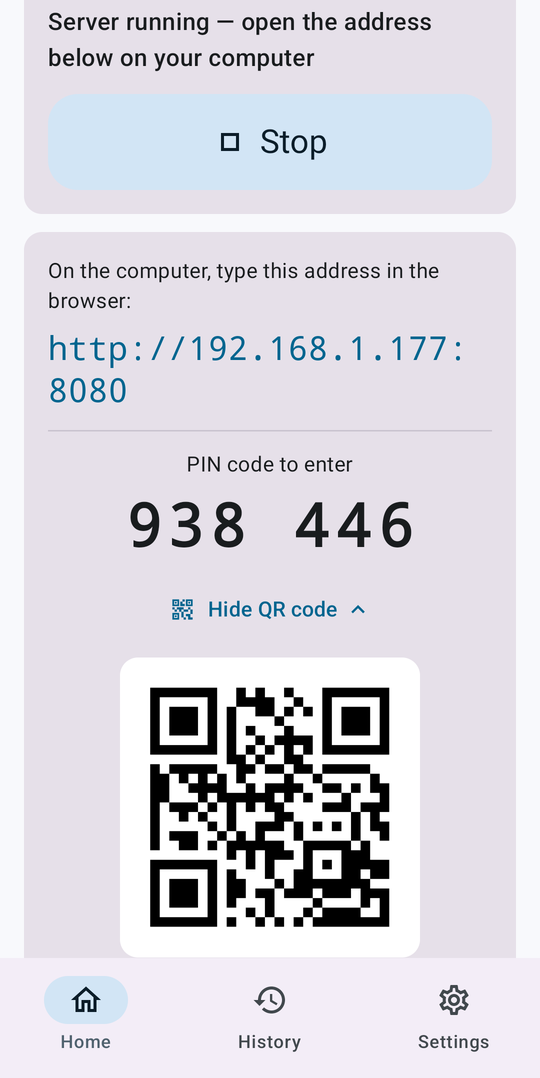
- Tap “Start”
The phone shows an address, a QR code and a PIN. - Open the address on the computer
In any browser: Chrome, Edge, Firefox, Safari… - Enter the PIN
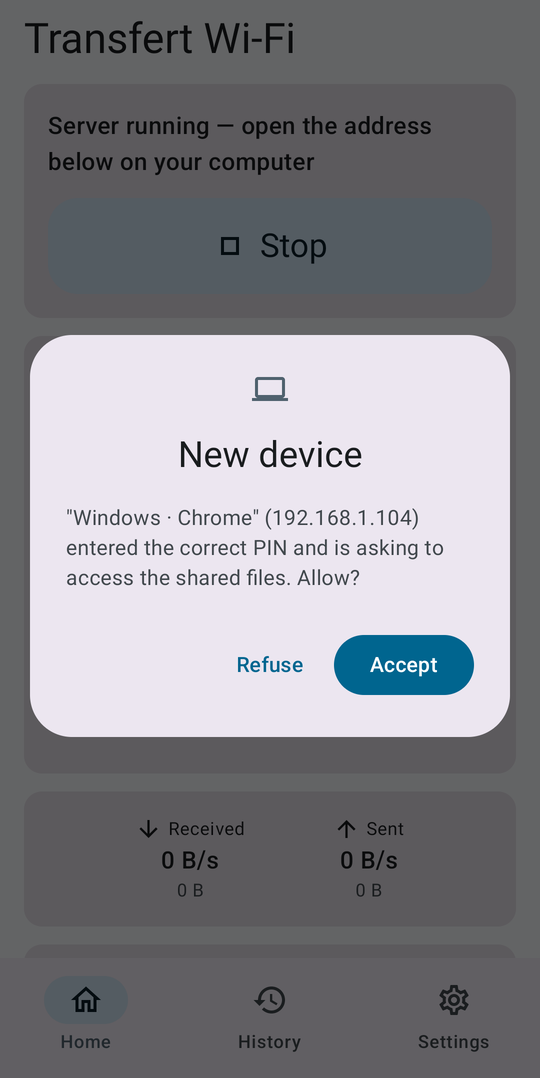
Approve the computer on the phone. You're done.
From the computer
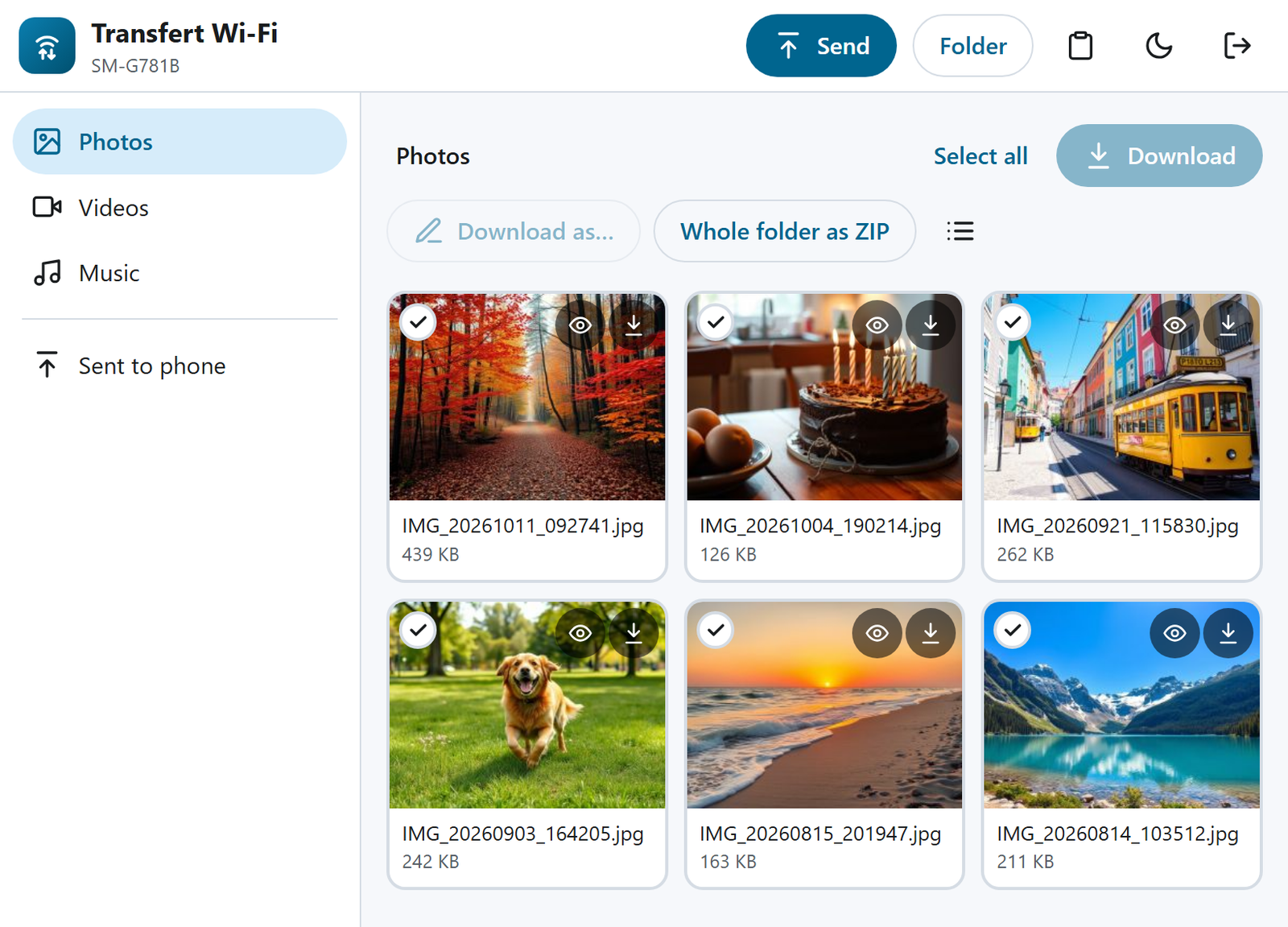
Browse
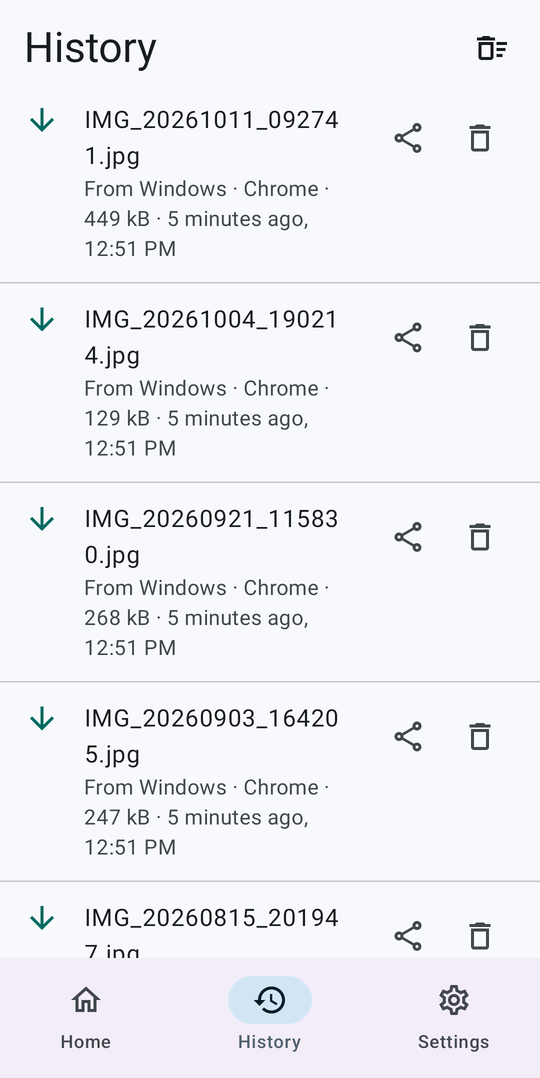
The photos, videos, music and folders you choose to share, with thumbnails.
Download
One file, a selection or a whole folder, as a ZIP built on the fly.
Send
Drag and drop files and folders to the phone, with automatic retry if the connection drops.
Shared clipboard
Copy a link or some text from one device to the other.
Stream videos
Play a phone video in the browser without downloading it.
Share to…
From any app, “Share › Transfert Wi-Fi” makes the file available to the computer.
Your files stay at home
Local network
Files go straight from the phone to the computer. No outside server, nothing sent over the Internet.
Protected access
Random PIN at every start, lockout after wrong attempts, and every device must be approved.
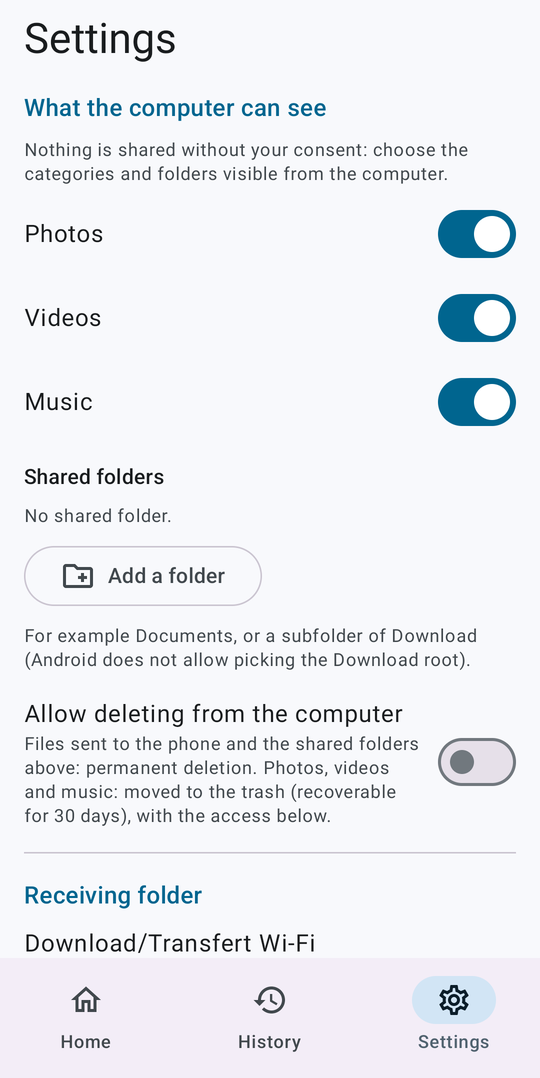
You choose
The computer only sees what you turned on. Never any “all files” access.
FAQ
Do I need to install anything on the computer?
No. The app runs a small web page on the phone: just open its address in the computer's browser, on Windows, macOS, Linux or ChromeOS.
What if there's no Wi-Fi?
Turn on the phone's hotspot, connect the computer to it, then start the server. Mobile data is never used for transfers.
The computer can't connect.
Make sure both devices are on the same network (a “guest” network often isolates devices), type the exact address including the port number, and check that a firewall or VPN isn't blocking the local network.
The browser shows a warning with HTTPS.
That's expected: with the HTTPS option, the phone uses a self-signed certificate, like any device on a local network. Choose “Advanced” then “Proceed”. The certificate fingerprint is shown in the app.
Why is there an ad?
The app is free and needs no account. A single small Google AdMob banner pays for it; it's the only feature that uses the Internet. You can manage your consent in Settings › Ad choices.