đź“´ Works offlineđź”’ No account needed

Give the RFID tags on your Bambu Lab spools a second life.

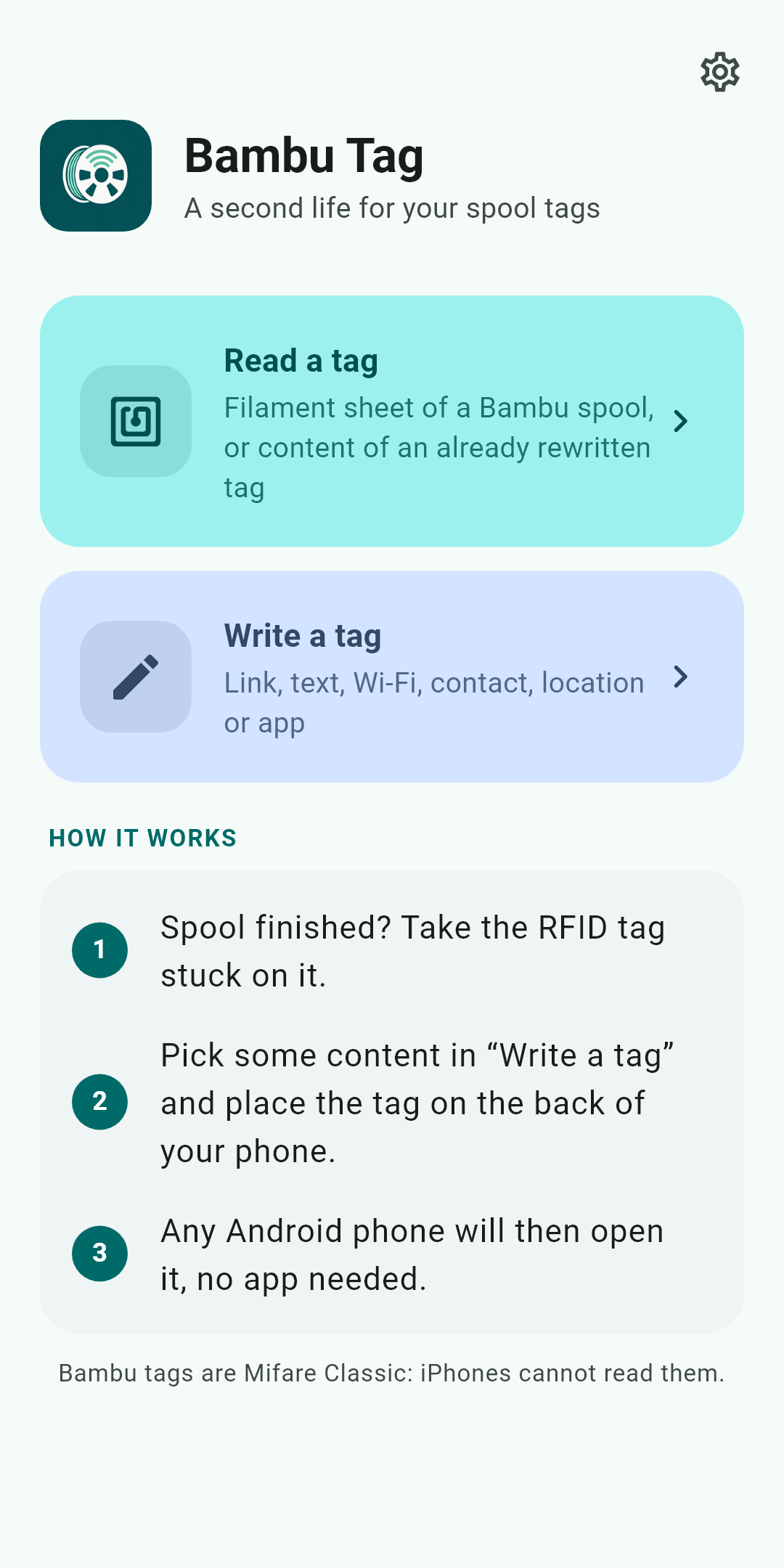
Bambu Tag reads the tag of a Bambu Lab spool, then turns it into a universal NFC tag: link, Wi-Fi, business card, GPS position or app launch, readable by any phone with no app needed.

Get it on Google Play

What Bambu Tag does

Two simple actions: read a tag, or write content to it. Everything happens on your phone.

🔍

Read a Bambu tag

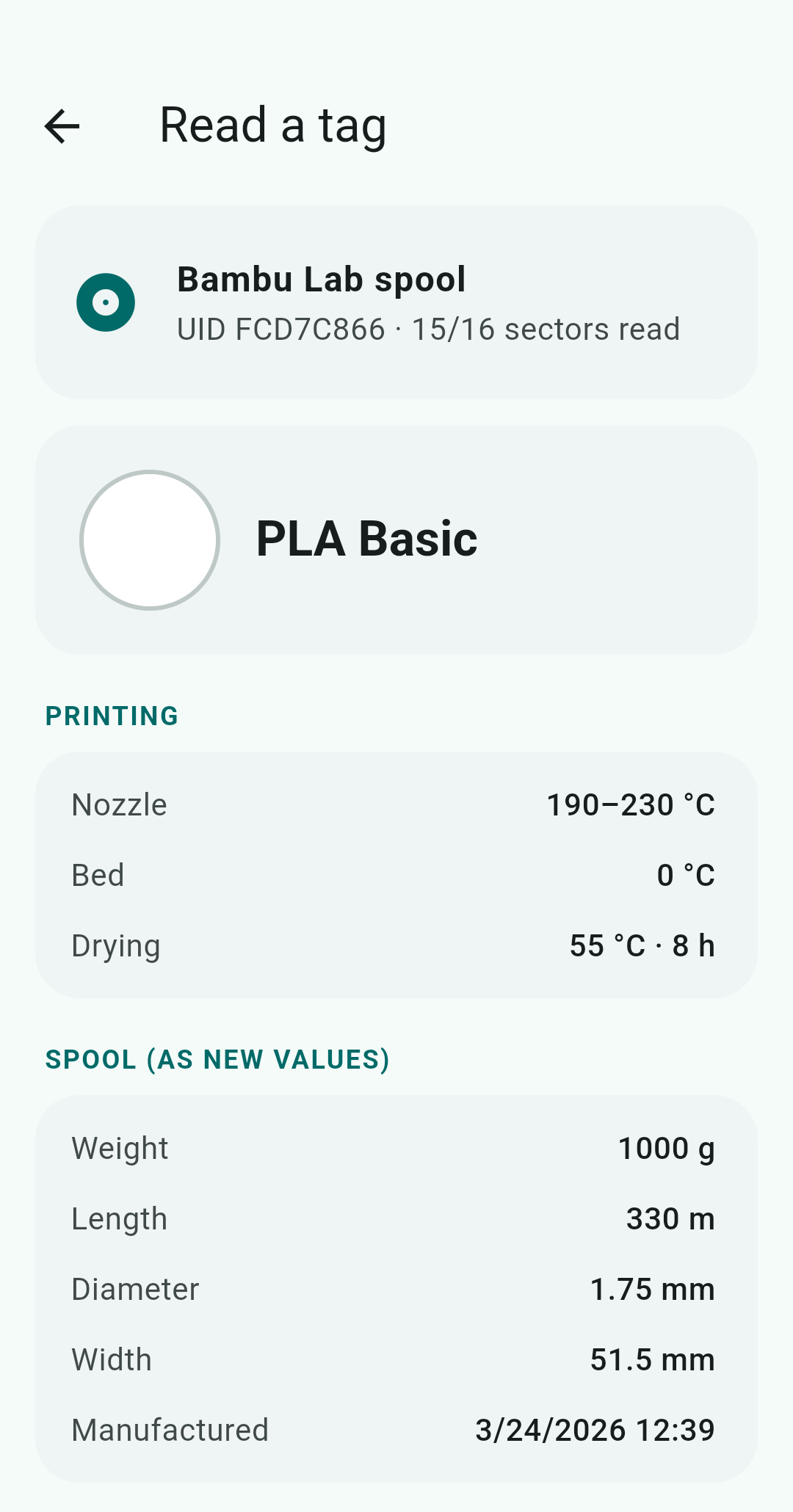
Hold the tag to the phone: the UID and all 16 sectors are shown. For a Bambu spool, the filament card is decoded: material, colour, nominal weight and length, temperatures, production date.

✍️

Write content

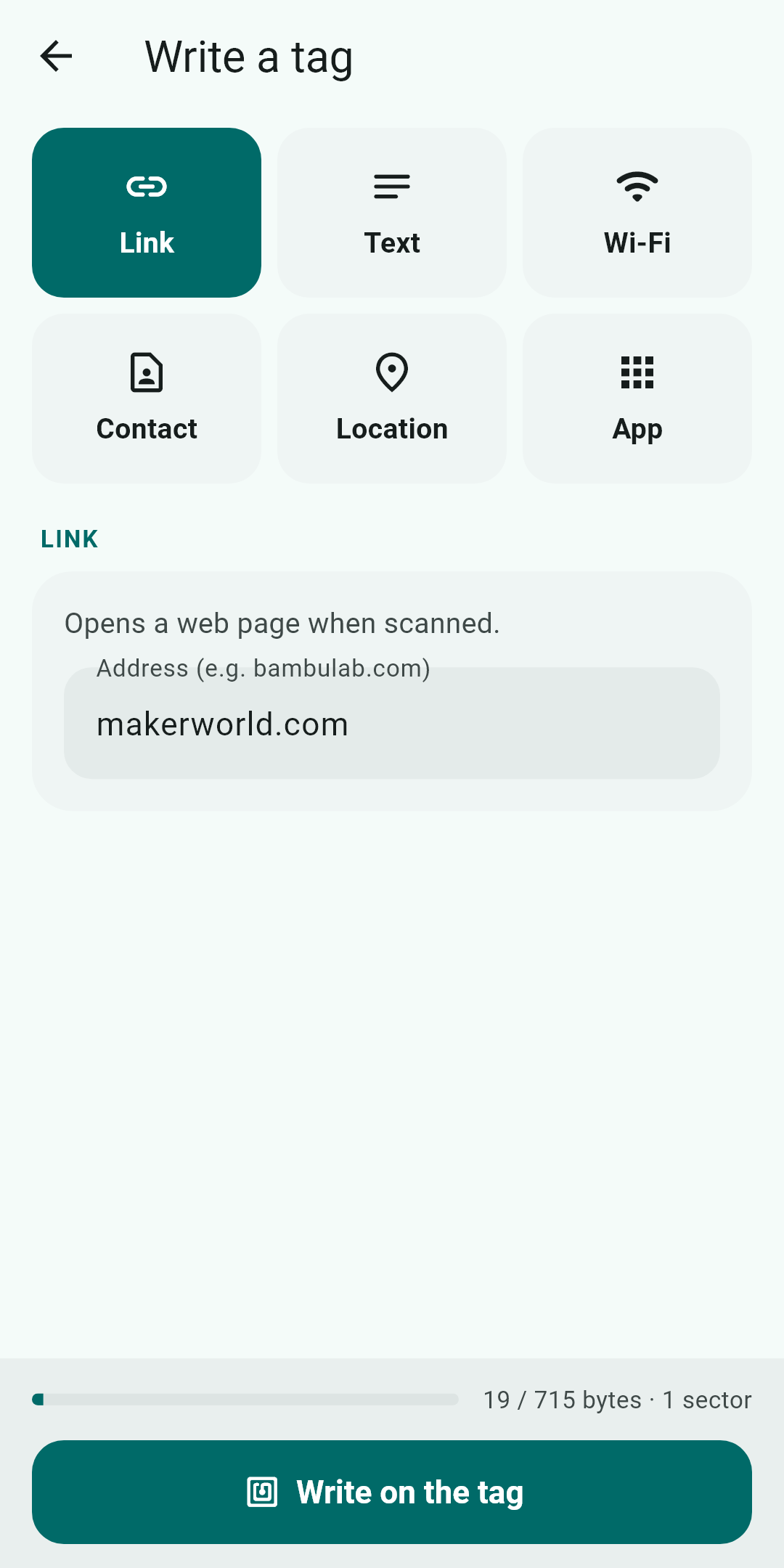
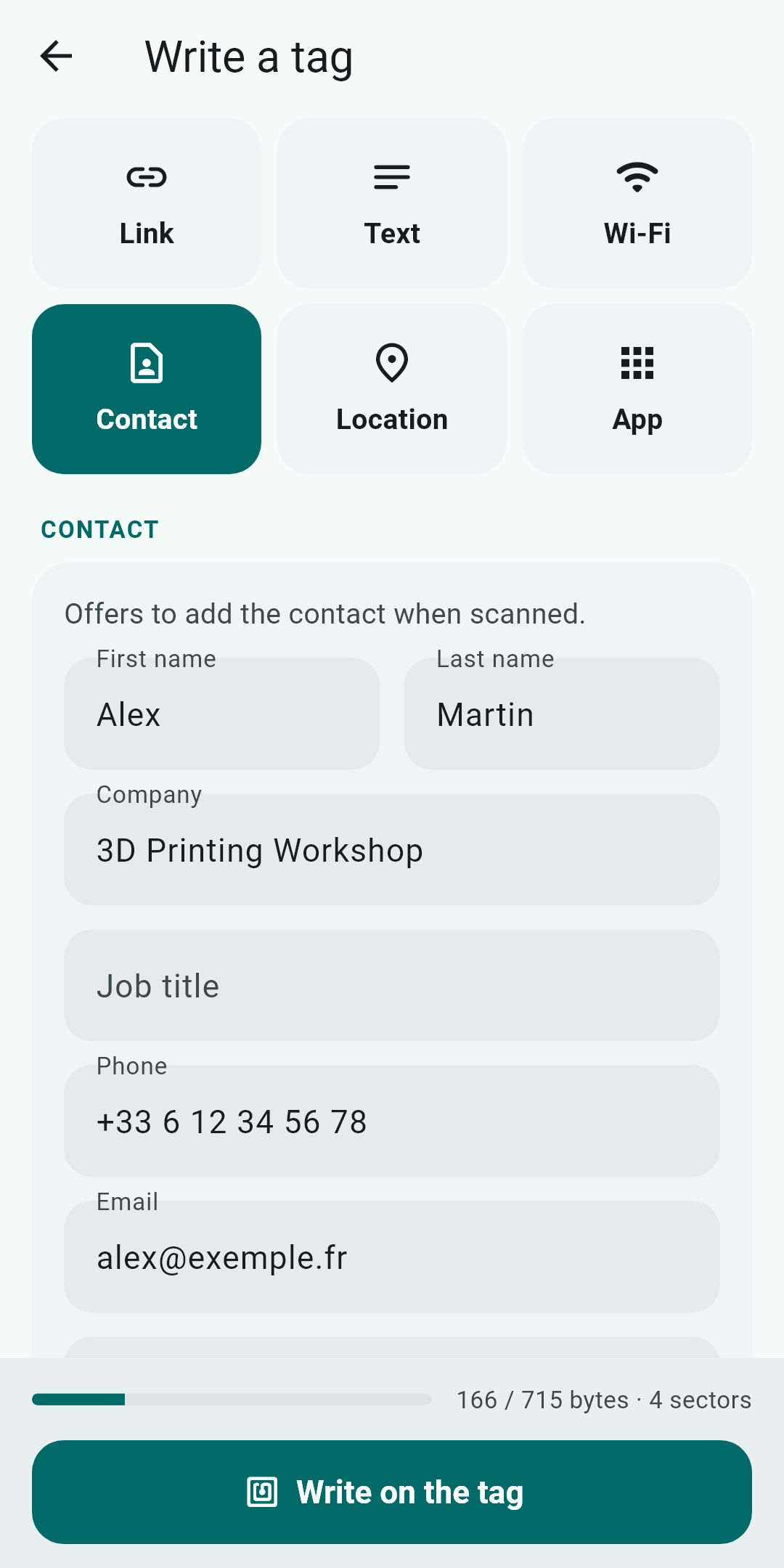
Six content types in standard NDEF format, then read by any Android phone with no app to install.

âś…

Verified writing

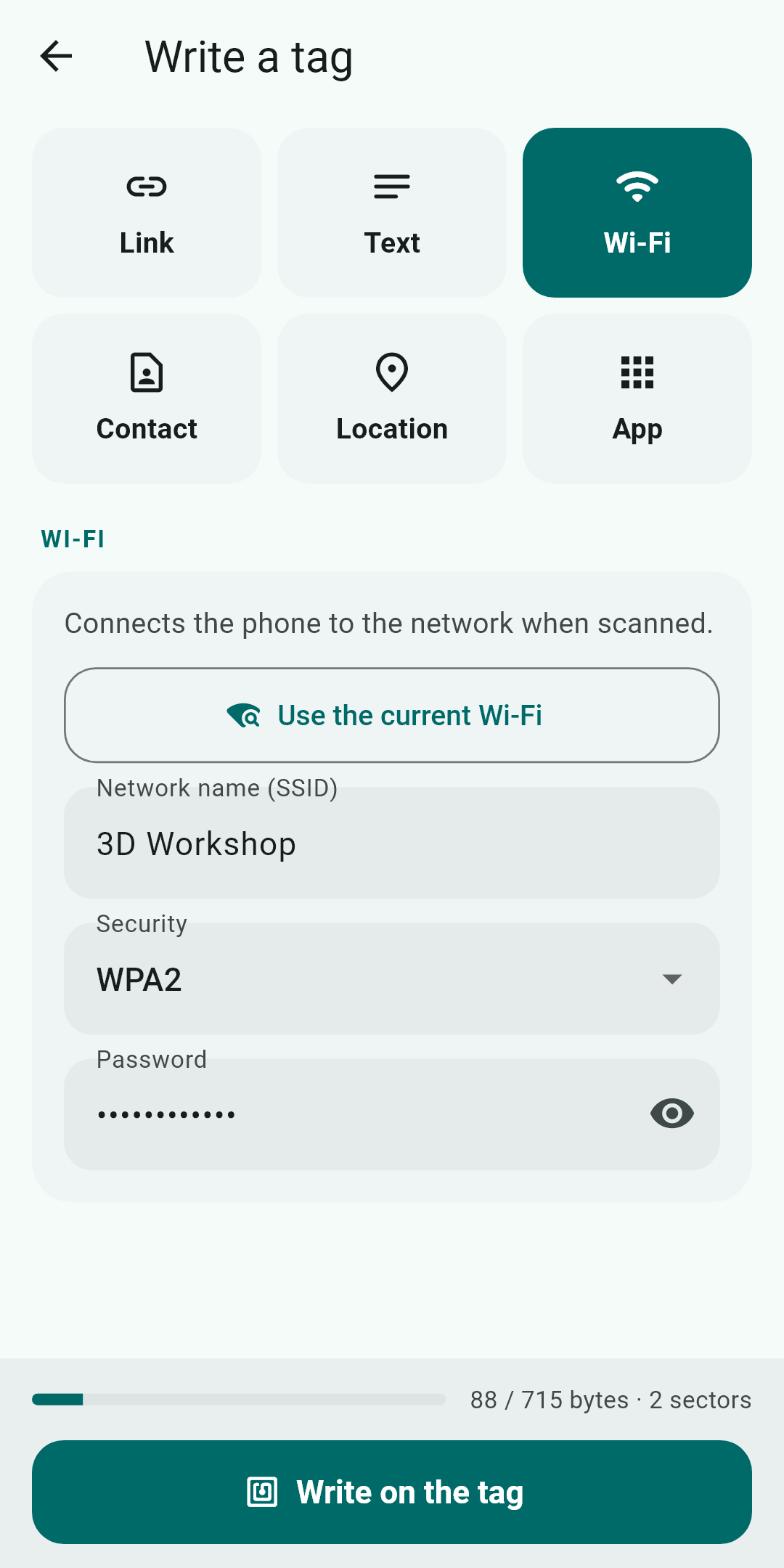
What you write is read back and compared before success is announced. A counter shows the space used (about 700 bytes maximum) and a confirmation is required before writing.

🗂️

Already used

Each successfully written content is remembered on the phone: reload it in one tap or delete it, with undo. Wi-Fi passwords are stored encrypted.

đź“

Current Wi-Fi

One button fills in the network the phone is connected to. The password, which Android does not provide, is typed once and then recalled from memory.

🌗

English and French

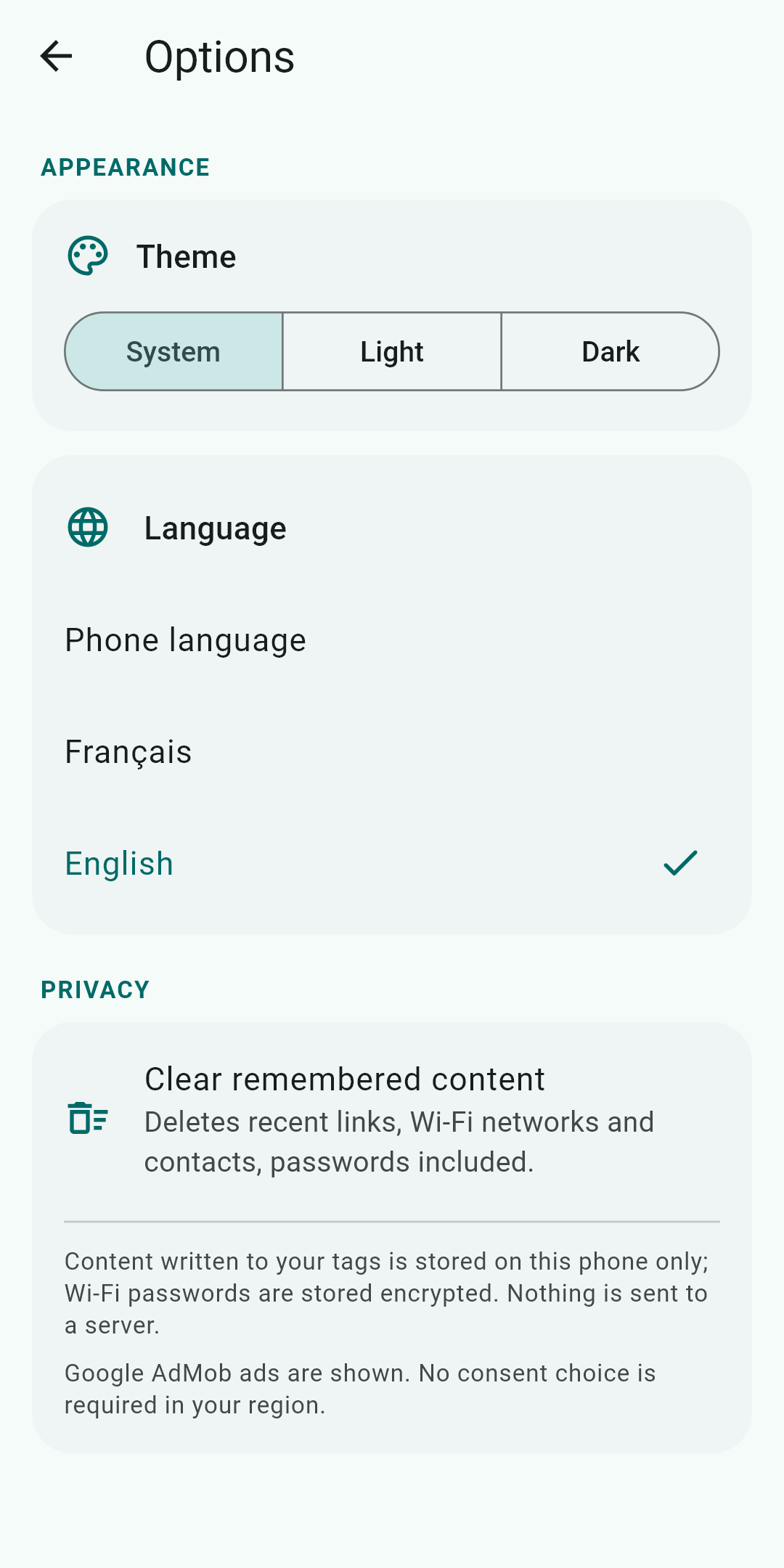
Interface in both languages, light or dark theme, chosen in the options or following the phone.
Six uses for a tag

What the phone of the person scanning the tag does.

TypeOn scan
URLopens the page
Textshows the text
Wi-Fioffers to join the network
Business card (vCard)offers “Add to contacts”
GPS positionopens the maps app at that spot (coordinates copied from Maps, or current position)
Applaunches the chosen app, or opens its Play Store page if not installed

Preview

How it works

From an empty spool to a reused tag, in three steps.

1

Take the tag

On a finished spool, peel off the RFID tag stuck on it.

2

Pick the content

In “Write a tag”, choose the type and fill in the fields. The counter checks it fits.

3

Place the tag

Hold it to the back of the phone. The content is written, then read back.

Before you write
  • Irreversible: writing to a Bambu Lab tag replaces its keys. The printer no longer recognises it and its filament data is lost. Use it only on empty spools.
  • Mifare Classic 1K tags only (16 sectors).
  • Android phone with NFC and an NXP chip (low-level Mifare Classic access). Tested on Samsung.
  • iPhones cannot read Mifare Classic: a tag written here will not be read by an iPhone.

Privacy

No account, no server: your content stays on the phone. Location is requested only when you ask for it. Google AdMob ads are shown, with a consent form in the EEA, the UK and Switzerland.

Read the privacy policy

Frequently asked questions

Will my Bambu tag still work in the printer after writing?

No. Writing replaces the tag's keys: the printer no longer recognises it. Only write to tags from empty spools.

Why does the app ask for location?

Only for “Current Wi-Fi” (Android requires this permission to read the network name) and “Current position”. Nothing is sent anywhere.

Can someone read the Wi-Fi password from a tag?

Yes: an NFC tag's content can be read without protection. Only write a Wi-Fi password to a tag you keep at home, for example for guests.

My phone cannot write.

An NXP NFC chip is required. Other chips may lack low-level Mifare Classic access. Also check that the tag is a Mifare Classic 1K.

Is the app free?

Yes, with Google AdMob ads. The app stays fully usable if you decline personalised ads.